GameSpice App
Your games, mods and friends in one app
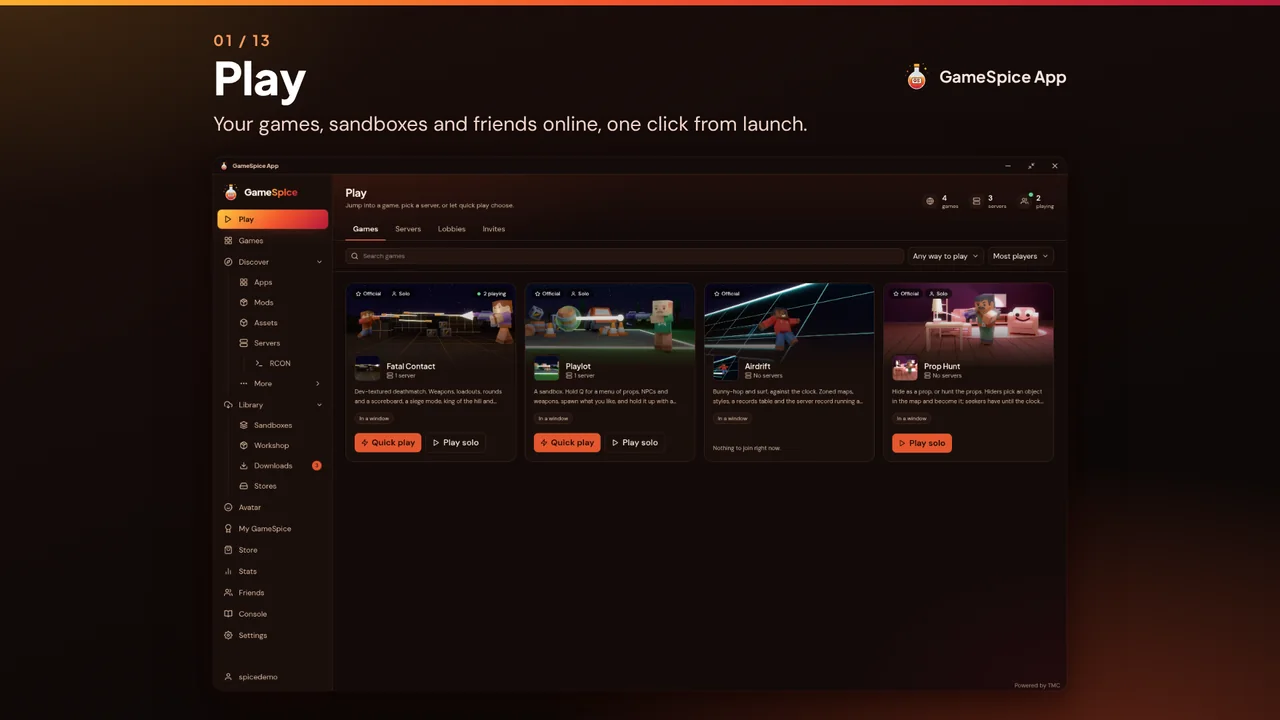
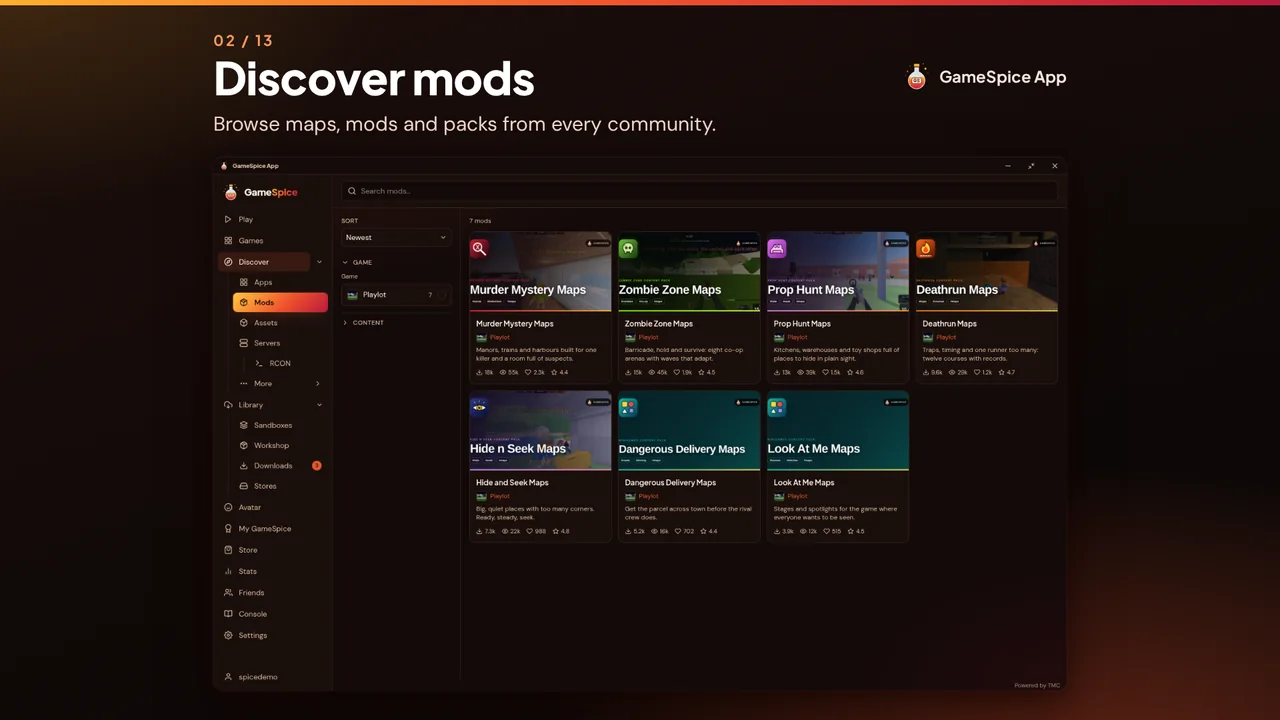
The GameSpice App is the free, open source hub for GameSpice and everything The Modding Community offers. Play games, install mods in one click, browse servers with the ping measured from your own connection and keep your library in one window.
Source on GitHub (opens in a new tab)

Take the tour
The app, slide by slide
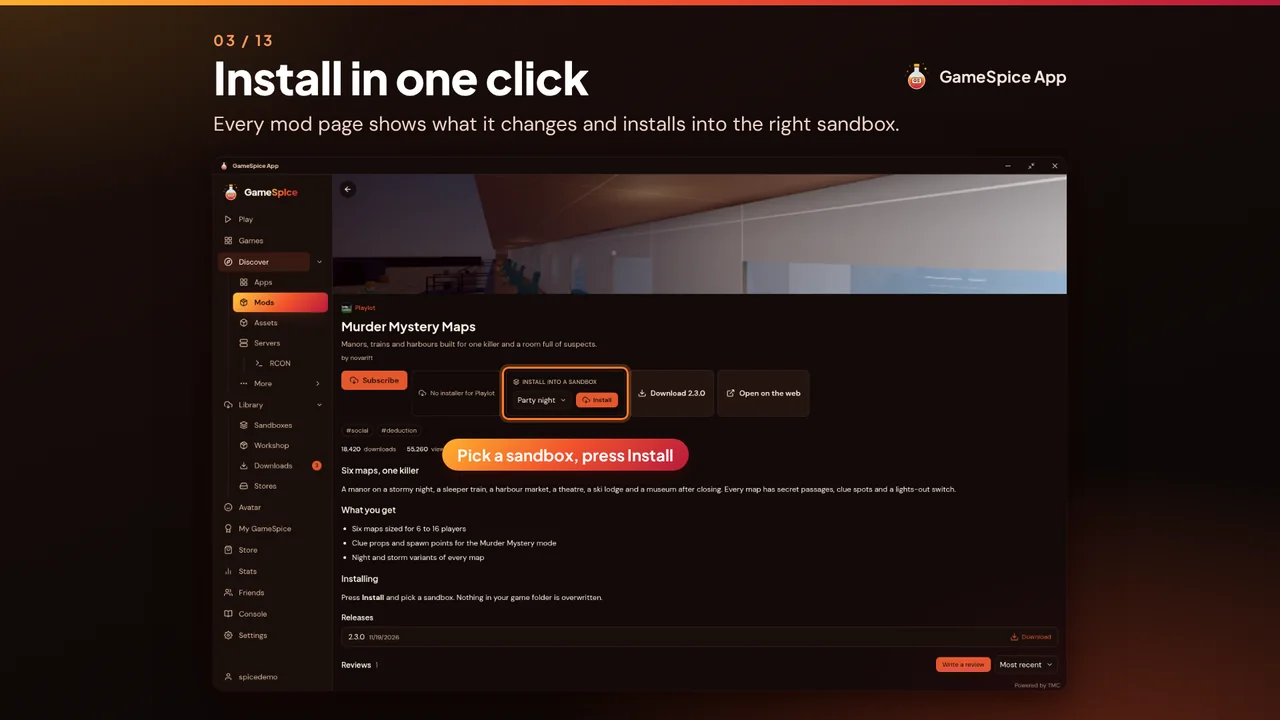
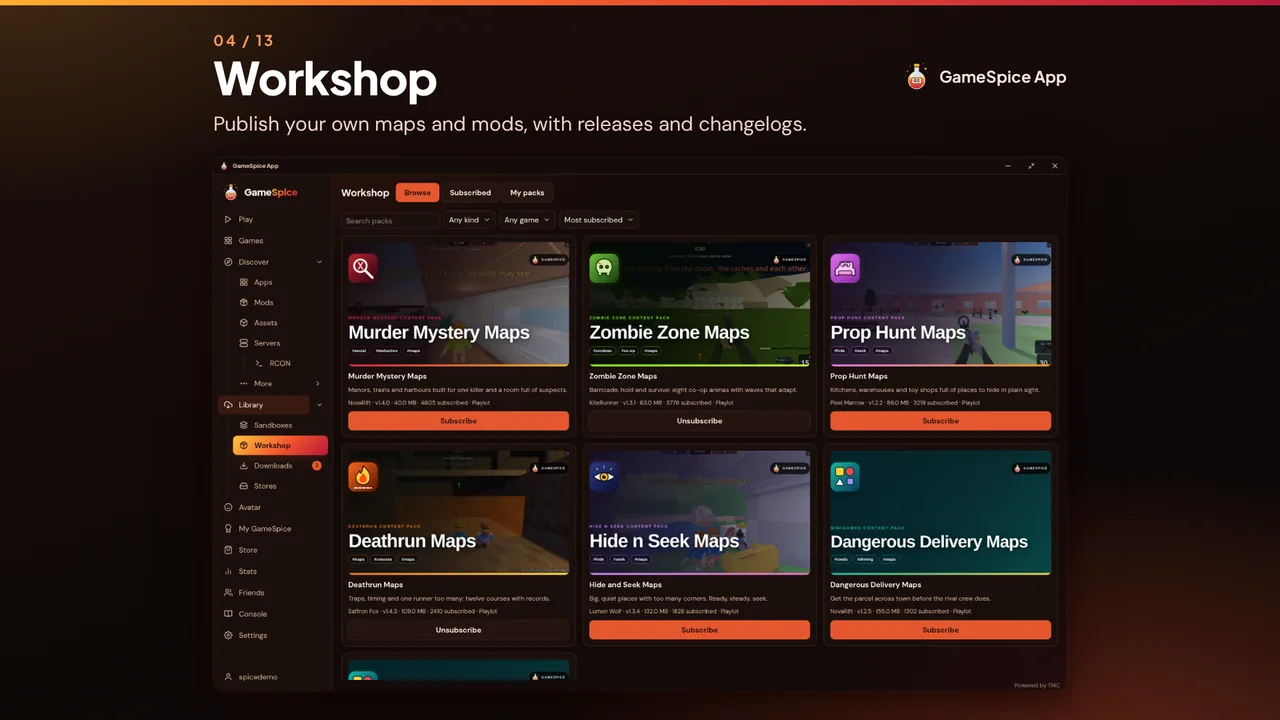
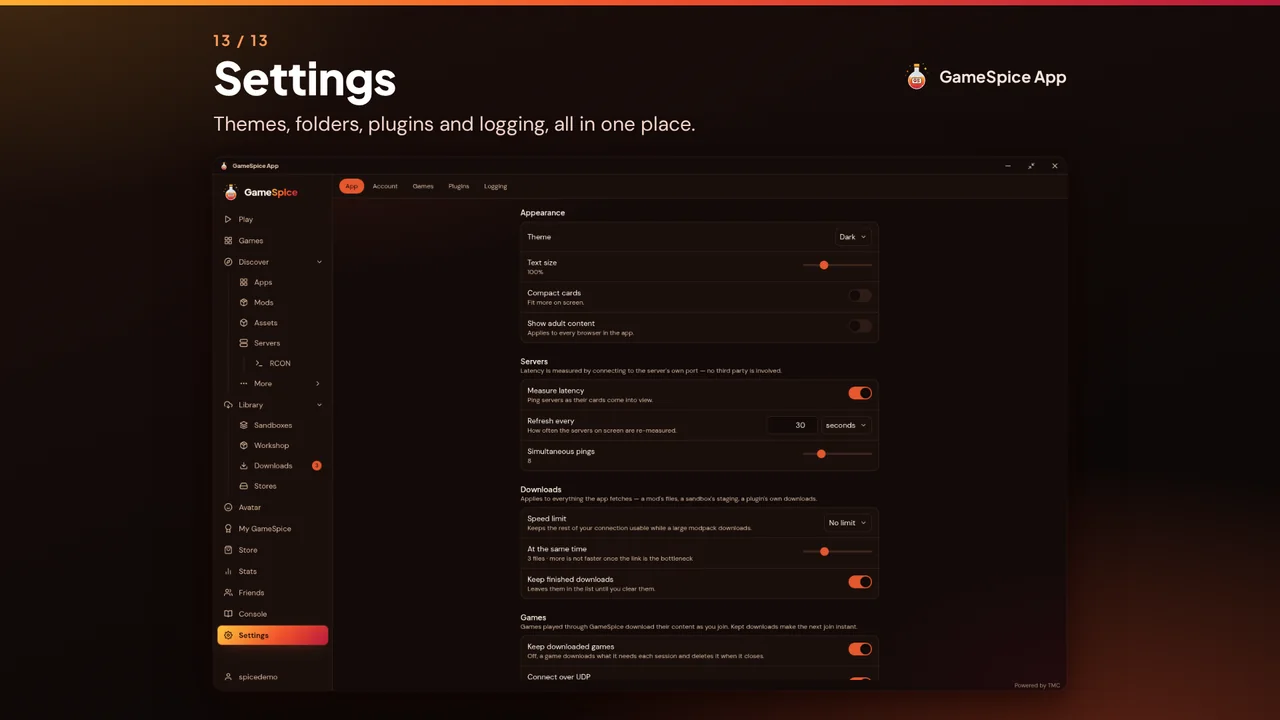
Every screen below is the real app. Step through it here, or take the deck with you.

What it does
Everything in one window
One app for playing, modding and running games, with your GameSpice and TMC account behind it.
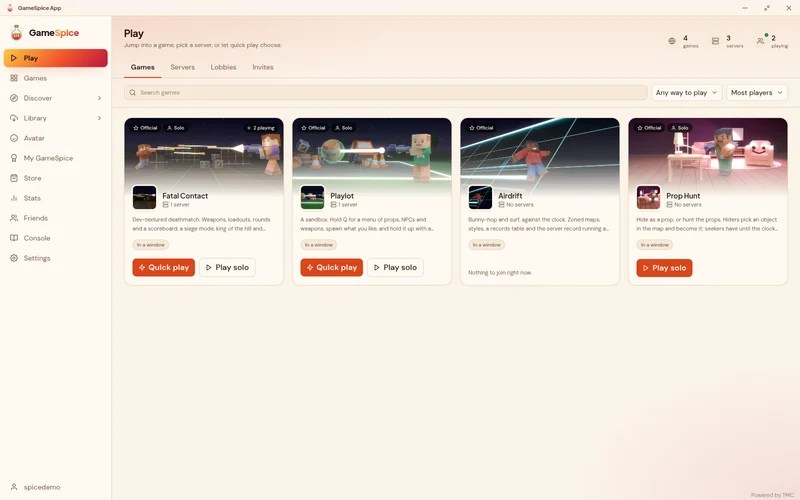
Play GameSpice games
Install the games we publish and the app keeps them up to date and starts them as real programs, or use the built-in player in its own window or full screen. Games join over UDP, or over TCP where a network drops UDP.
GameSpice App 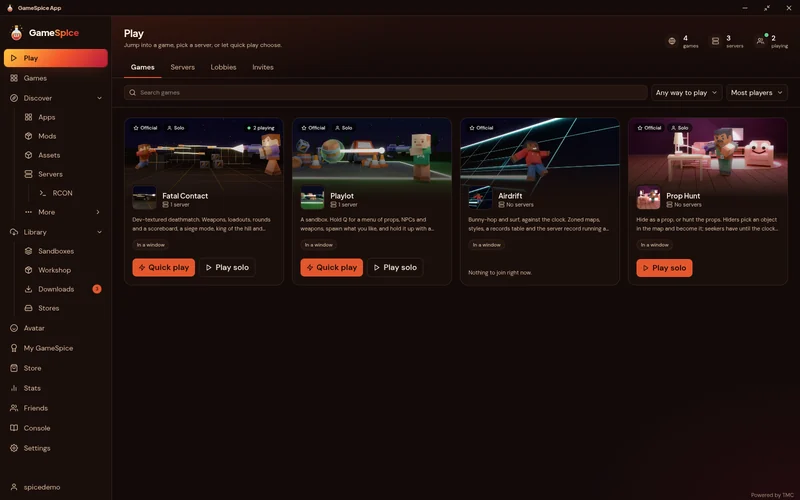
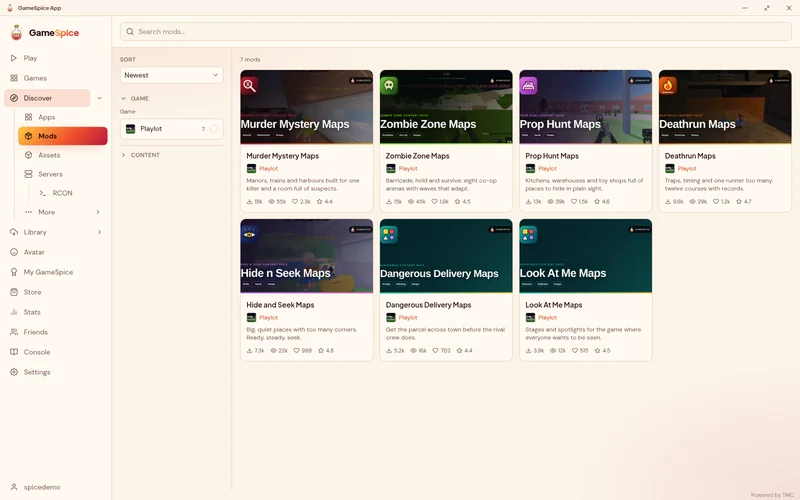
One-click mods and sandboxes
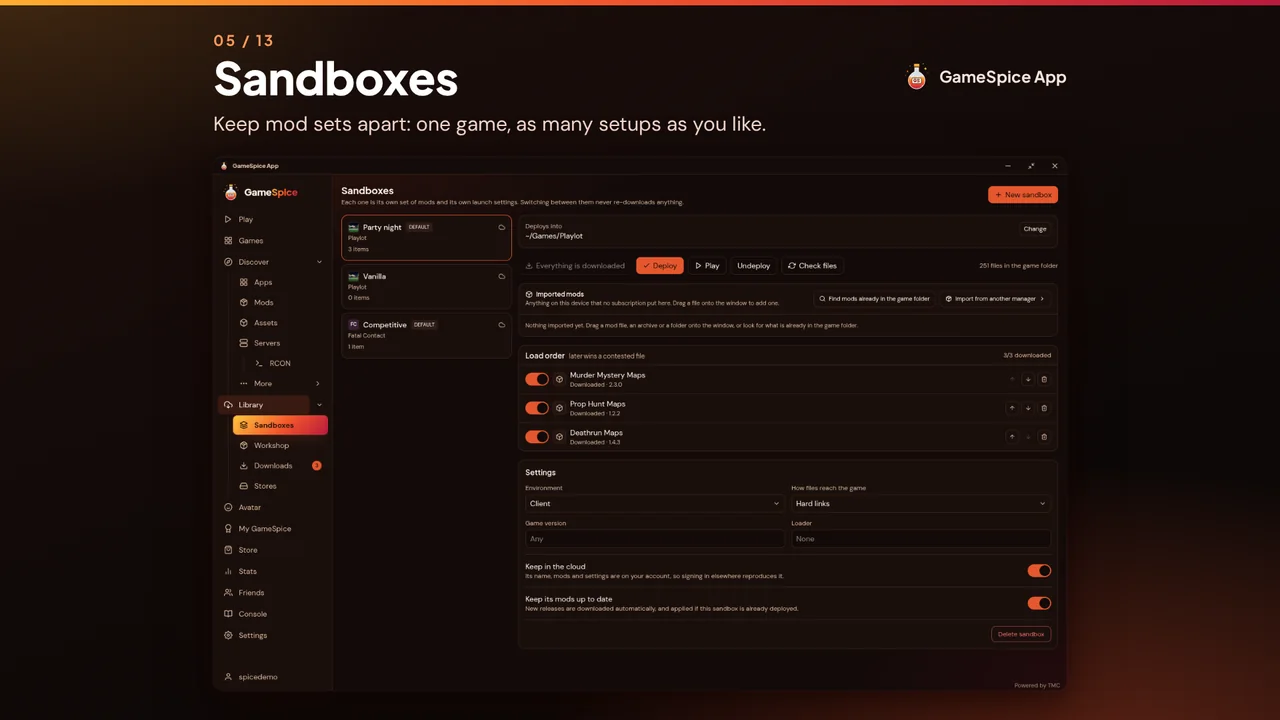
Install or remove mods that support the app with a click. Sandboxes are named mod profiles per game, each with its own load order, and switching between them downloads nothing again.
GameSpice App 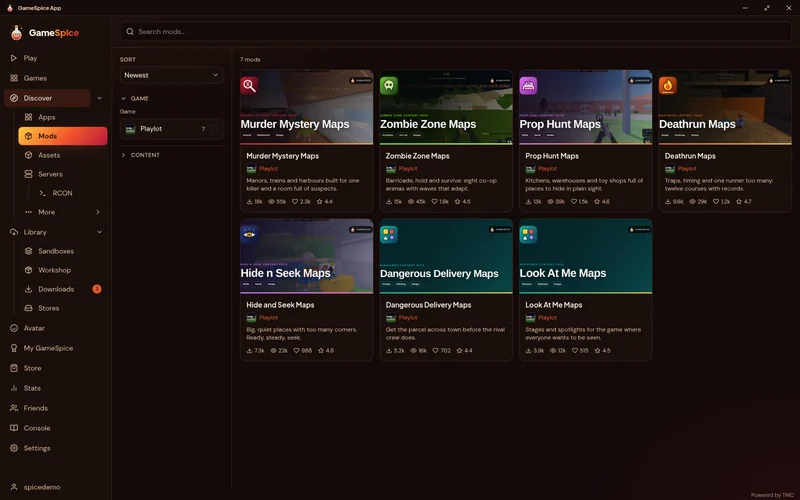
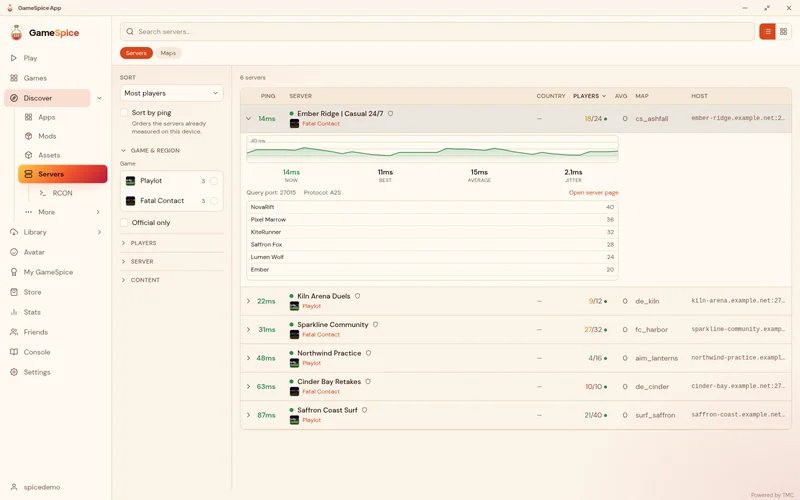
Servers, latency and RCON
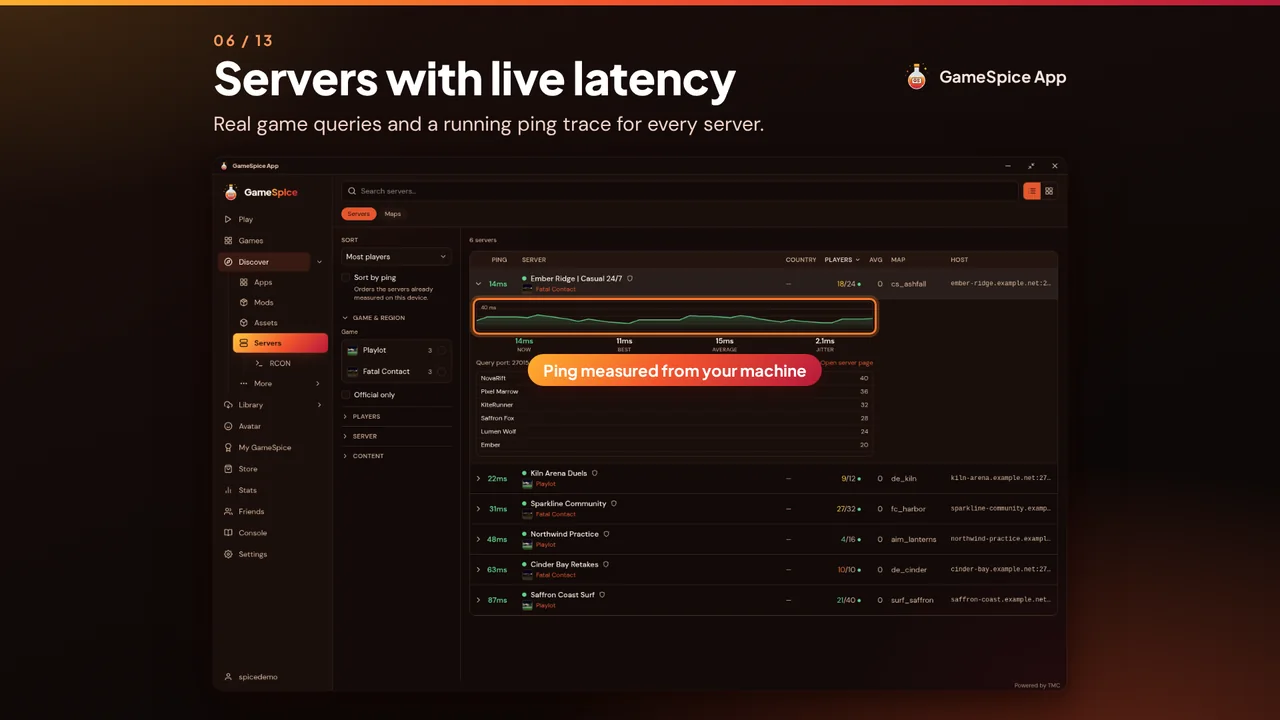
A full server browser with real-time latency measured from your own connection, plus status and latency charts. Use the remote console with history and logs, send a command to many servers at once or schedule it for later.
GameSpice App 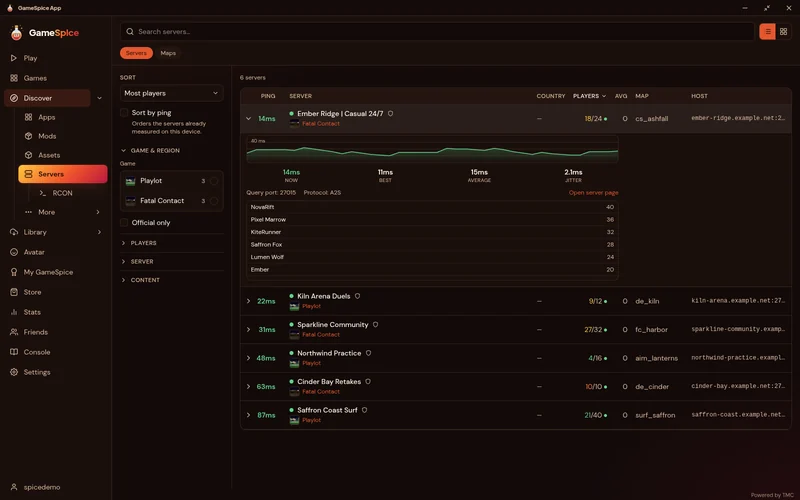
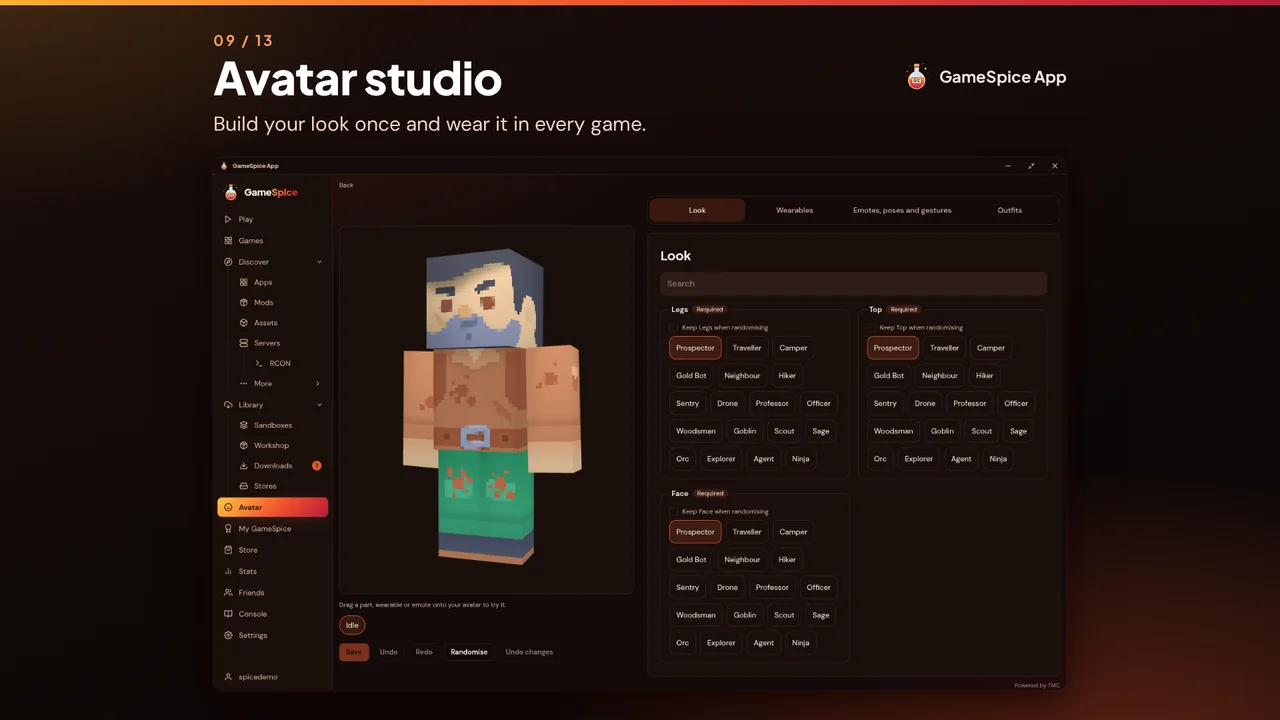
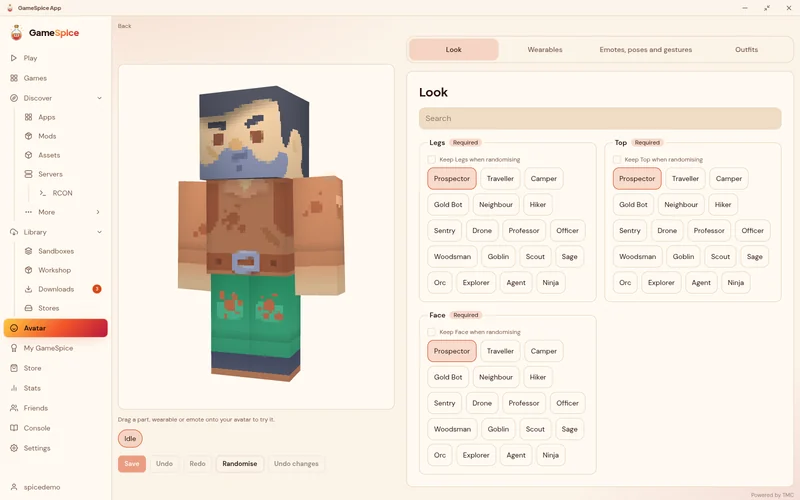
The full avatar studio
The same studio as on gamespice.net: parts, colours, wearables, outfits and emotes, saved to your account and worn in every game.
GameSpice App 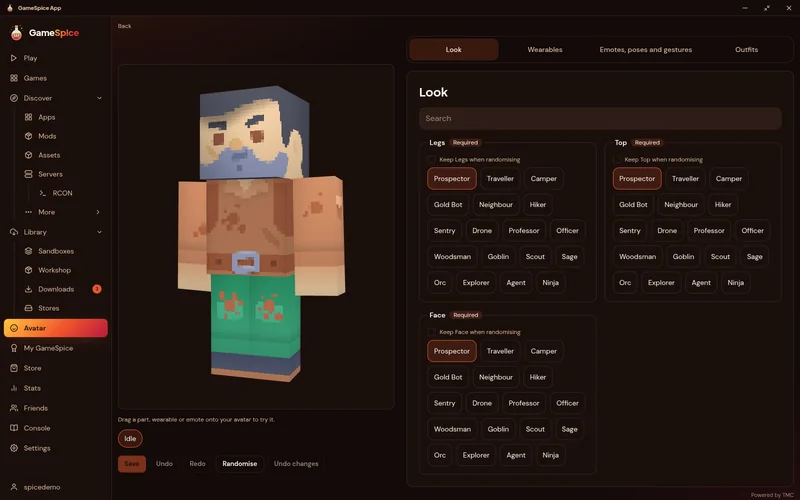
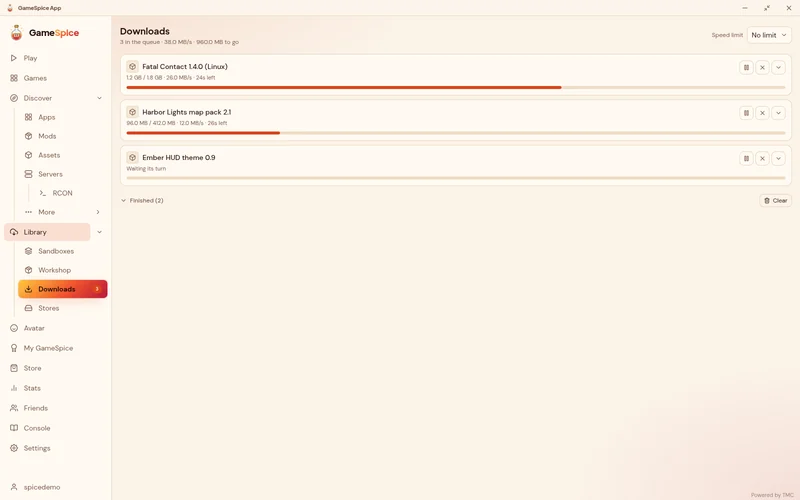
Downloads that look after themselves
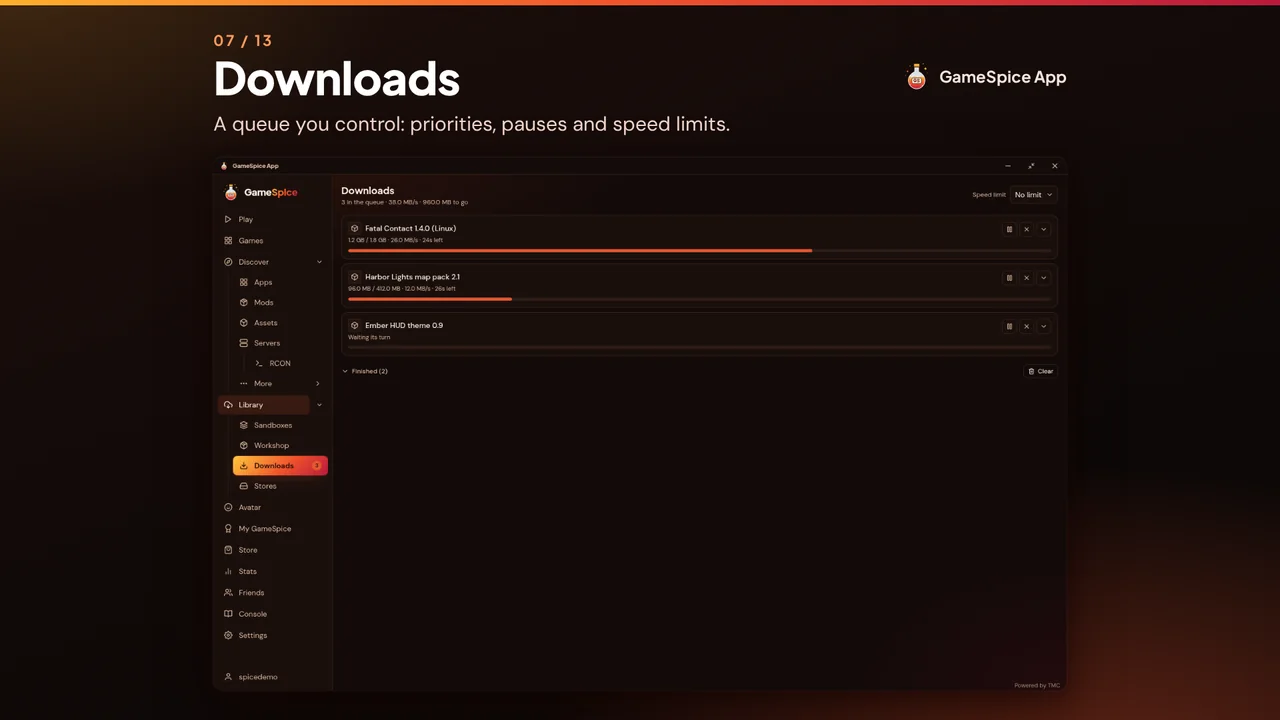
Games are downloaded for your machine and updated automatically. Turn updates off for a single game or remove it whenever you like. The app itself updates from signature-checked releases.
GameSpice App 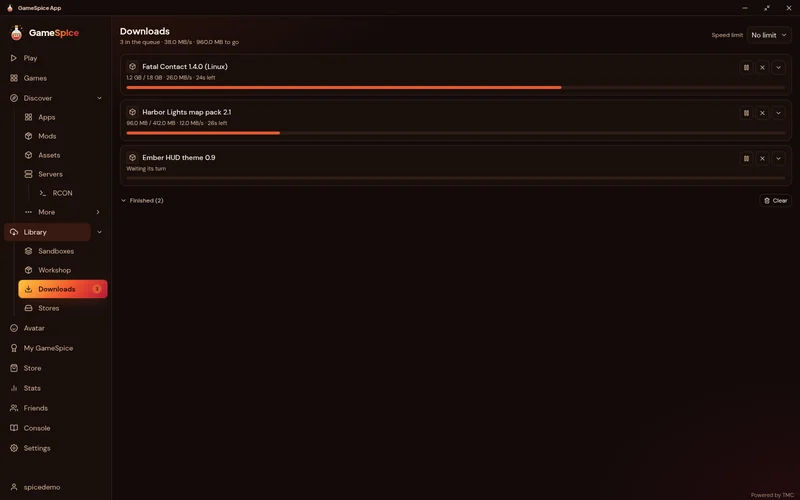
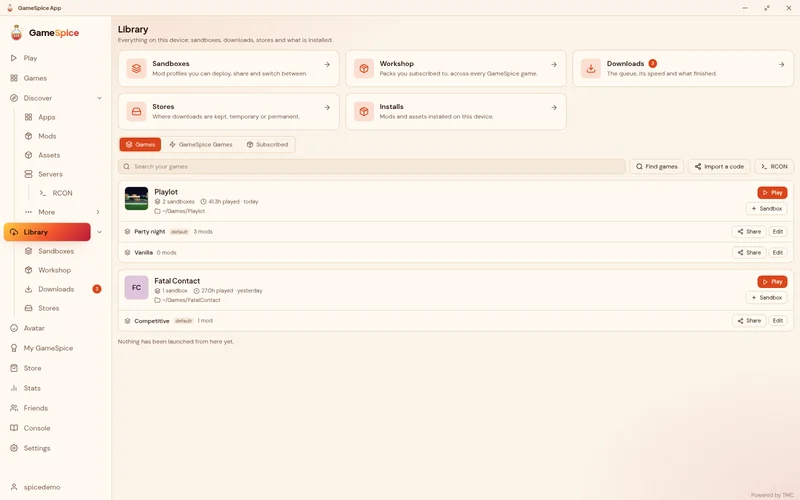
Your library
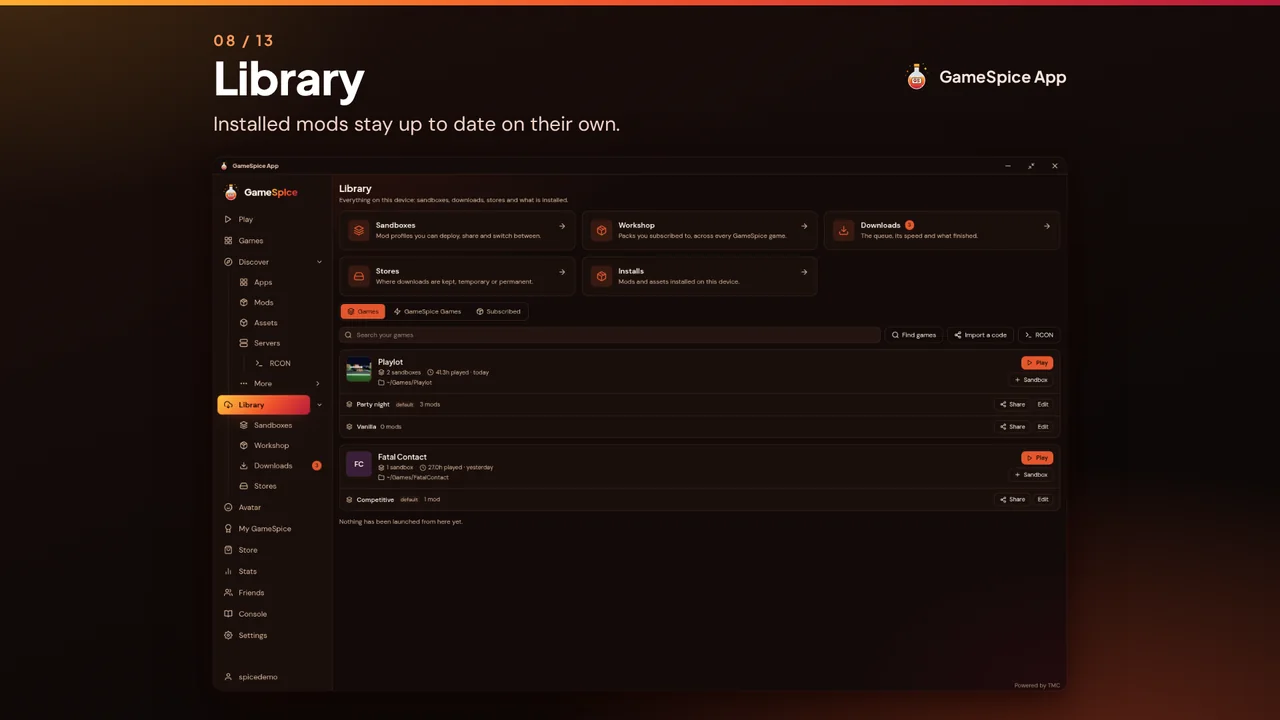
Every game has its own page: play it, see its busiest servers and browse its leaderboards, with your own rank and figures beside them.
GameSpice App 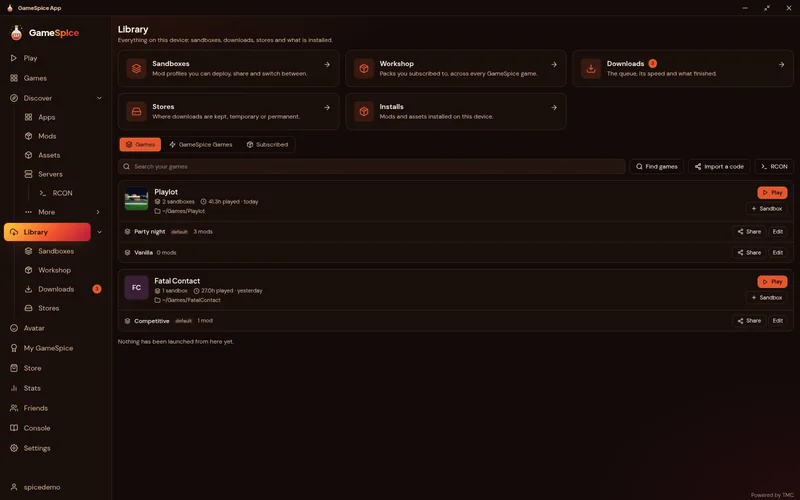
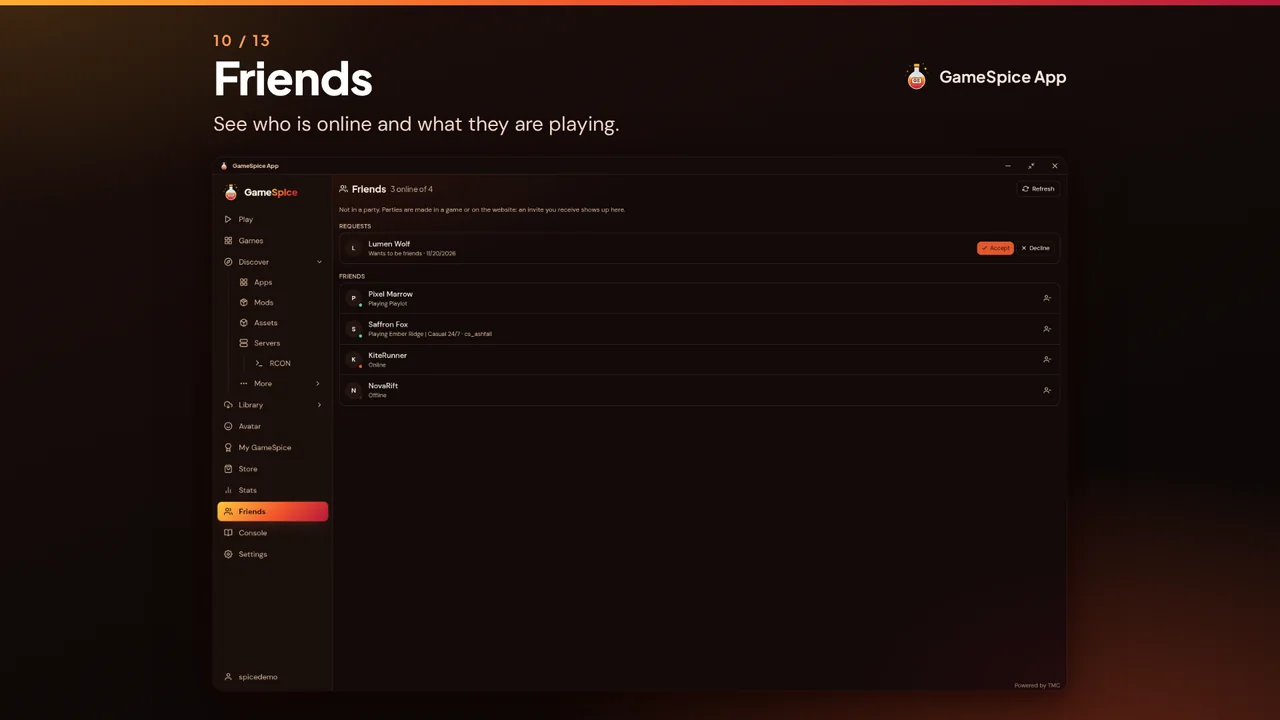
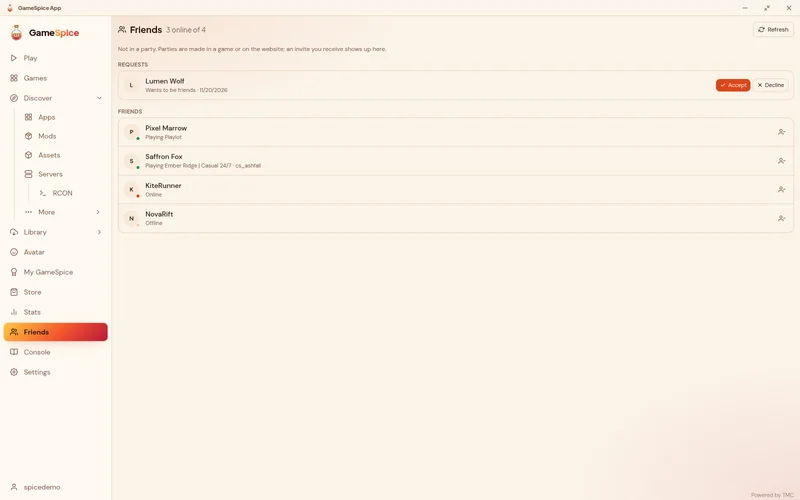
Friends and parties
See who is online and which game and server they are on, join them in one click, answer friend requests and party invites. The same friends and parties the games show.
GameSpice App 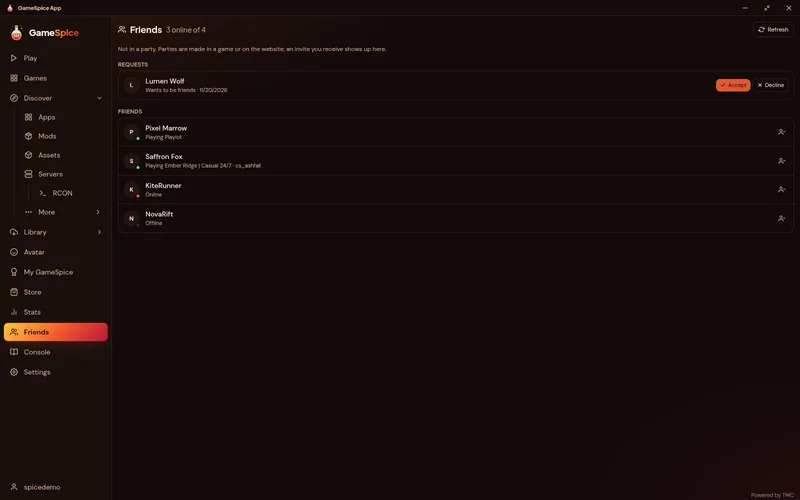
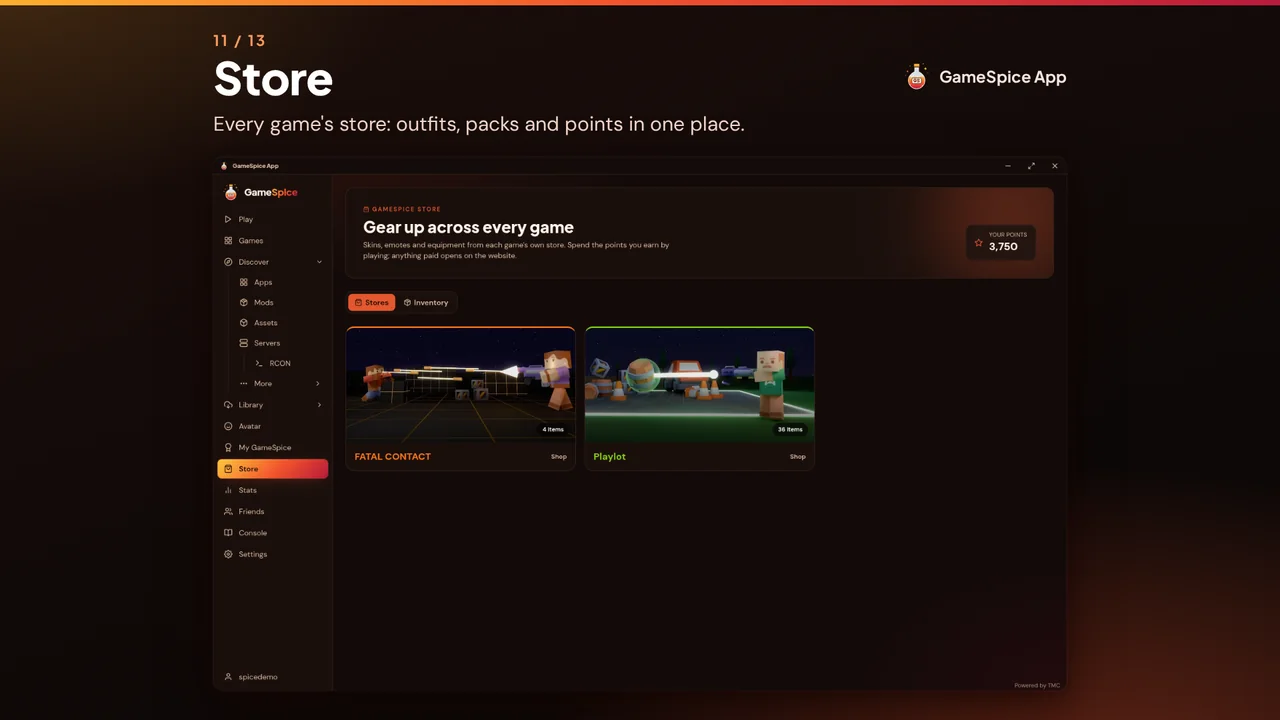
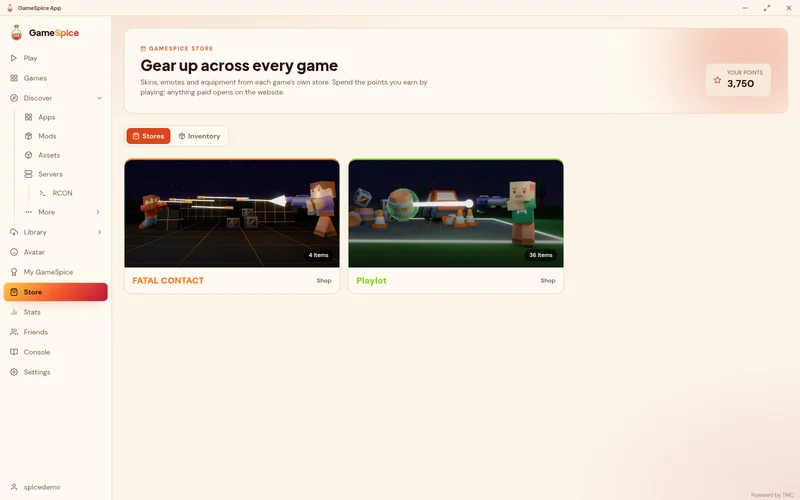
Every store, one balance
Browse each game's store for outfits, packs and items, and see the points you have earned across GameSpice in one place.
GameSpice App 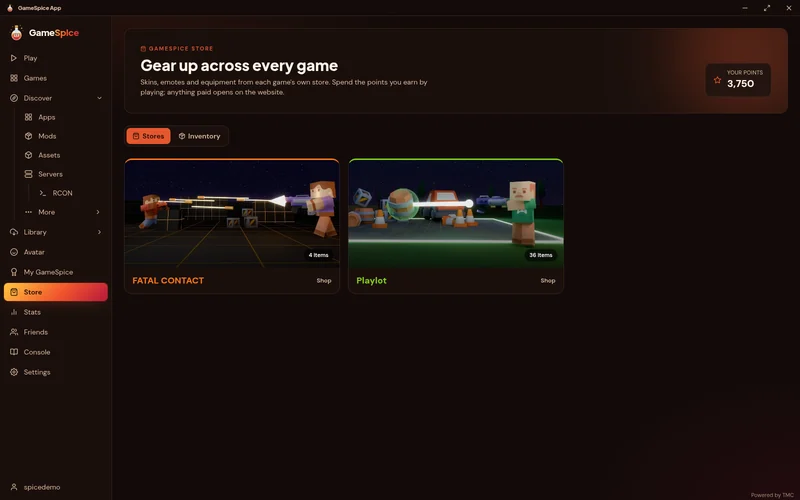
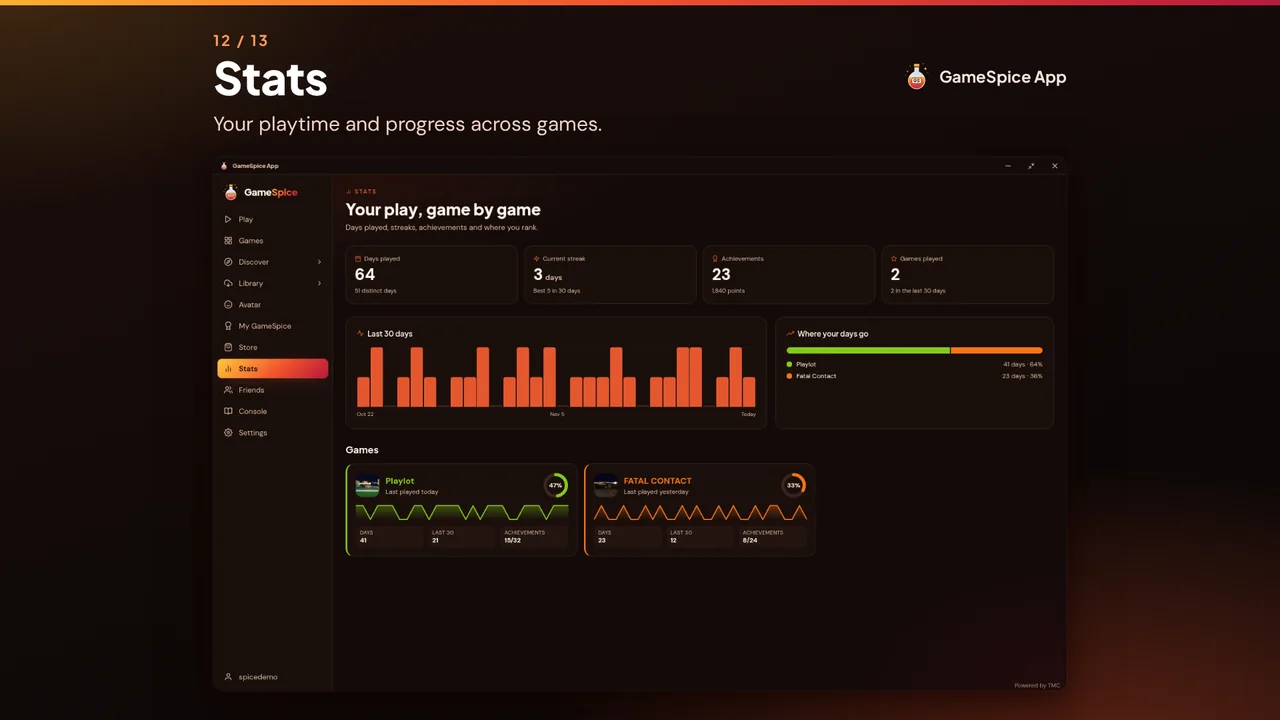
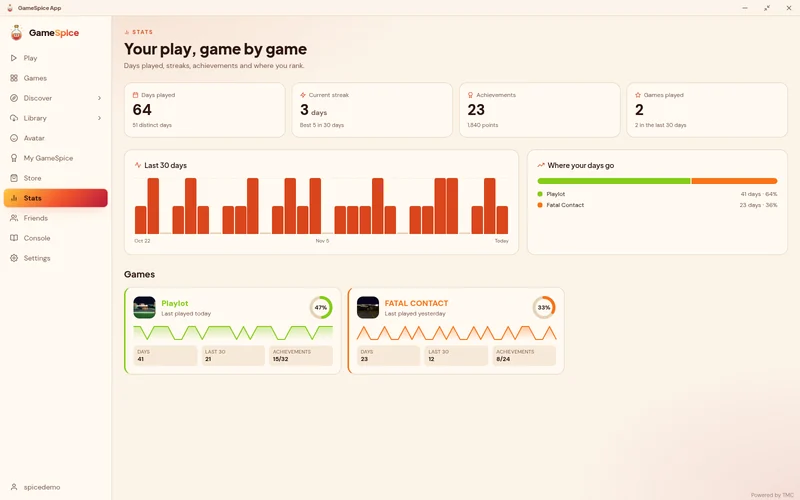
Your stats across games
Playtime, active days, streaks and achievements for every game you play, with a chart of the last thirty days.
GameSpice App 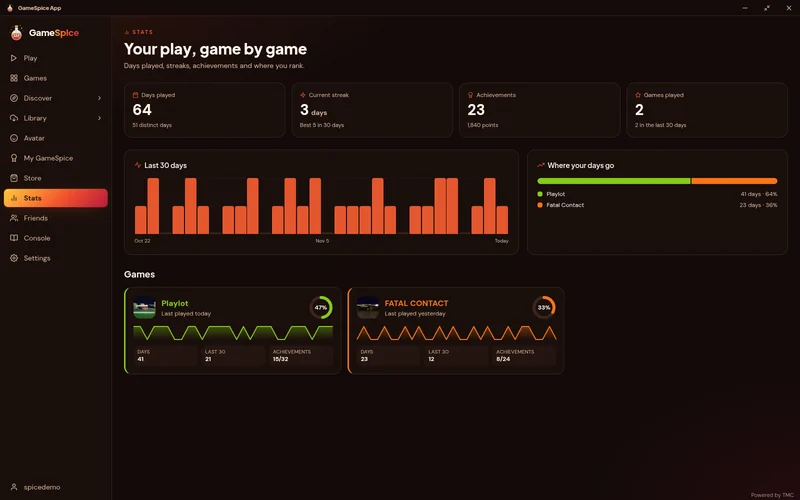


Mod manager
Switch profiles without copying files
Mods are unpacked once into the sandbox, then linked into the game folder when you deploy. Changing sandbox changes links, not files on disk, and your game folder can be put back either way.
| Strategy | Game folder | Extra disk |
|---|---|---|
| Copy | Files written | A full copy |
| Hard link | Links added | None |
| Symlink | Links added | None |
| USVFS | Untouched | None |
USVFS is Windows only and off by default. The game is told the mods are there and nothing is written to its folder. It is new and has not been tried on a real game yet.
Stage, then deploy
Files unpack into the sandbox first. The game folder only changes when you press deploy, so a half-finished download never ends up in it.
Undo works
Nothing in the game folder is overwritten: the original goes to a backup first. Every deployed file is written down, so purging a sandbox puts back what was there.
See conflicts first
The merged file tree shows which mod wins each path while you can still change the load order, not after the game crashes.
Sync if you want it
A sandbox's mods, order and launch flags can follow your account to a second machine. It is a per-sandbox setting. Folder paths and the deploy ledger stay on the machine.
Rules for a few dozen games ship inside the app. They have not all been tested on real installs yet, and the list in the README says which.
Safe by design
Your login and your files stay safe
Mod descriptions, server names and reviews are untrusted text from strangers, shown in a window that can talk to the app. So your login and the filesystem stay on the Rust side, and the interface only ever gets data.
You sign in on the website
The app opens your own browser on the TMC site and waits. It never sees your password.
Tokens in the OS keychain
Keychain on macOS, Credential Manager on Windows, Secret Service on Linux. The short-lived access token stays in memory.
Plugins are data
An installer plugin lists file steps. A query plugin describes a packet and how to read the reply. A theme is a map of colours. There are no scripts and no "run this program" step.
You approve the permissions
A plugin names the folders it needs. You see the full list and approve that exact bundle. If it changes later, it is switched off until you have read it again.
Every path is jailed
Plugin paths are relative by construction and checked against traversal, symlinks and zip-slip.
A log you can read
Plugin approvals, deploys and RCON connections are written to an activity log you can open in Settings.
Found a security problem? Do not open a public issue. SECURITY.md (opens in a new tab) says how to report it.
Open source
Free, and open to read
The GameSpice App is open source. Read the code, build it yourself or send a fix on GitHub.
- Licence: GPL-3.0
- Built with Tauri, Rust and React
- Every update is signature-checked before anything is replaced
Download
Get the GameSpice App
Pick your system. The big button follows the latest release on GitHub.
Every build in the latest release
Linux in one line
No root and no package manager. The script checks the download against the release checksums, installs into ~/.local and registers the launcher entry and the links from the website.
curl -fsSL https://raw.githubusercontent.com/gamespice-platform/app/main/scripts/install.sh | shcurl -fsSL https://raw.githubusercontent.com/gamespice-platform/app/main/scripts/install.sh | sh -s -- --uninstallThe portable Windows build does not register the launcher entry or the links from the website.
Questions
Is the GameSpice App free?
Yes. It is free and open source under the GPL-3.0 licence.
Do I need an account?
You sign in with your TMC account, the one GameSpice uses, in your own browser. The app never sees your password.
Is there a phone version?
Sometimes. When a release includes them, the download section offers an Android .apk (a direct install, allow installs from this source) and an iOS .ipa (only for devices registered for the build, or through TestFlight). Games that run in the browser also work on your phone on gamespice.net.
How does the app update?
On launch it checks for a new version and installs it itself. Every update is signature-checked against a key built into the app before anything is replaced. Pick the Stable or Beta channel in Settings.
Why does Windows warn me on first run?
The Windows builds are not code-signed with a Windows certificate yet, so SmartScreen can show a warning. Every release has a checksums file, and the Linux script checks it for you.
How is it different from playing in the browser?
Browser play needs nothing installed. The app downloads the games for your machine, keeps them up to date and runs them as real programs, and adds mods, sandboxes, RCON and a server browser with your own latency.