Open Source Gaming Platform
Sky is the limit
A fully cross-platform gaming platform that puts community servers first: play in your browser or on any device, join community-run servers, or build and publish your own game.
Built on top of Godot (opens in a new tab).Powered by TMC (opens in a new tab).
- Players online
- 0
- Servers online
- 16
- Games
- 14
01 / What it is
A platform for games made with Godot
Gamespice lists every game published on the platform. Play them in your browser, join their servers, and add mods and maps from TMC.
Play in your browser
Many games run in the page. No download and no account.
Solo or quick play
Practise on your own, or let quick play put you in a match with others.
Community servers
Every server for the platform games, live, with players, maps and 24 hour history.
Mods and maps
Mods and maps are published on The Modding Community, and players subscribe to them per game.
Stats and leaderboards
Games record stats, leaderboards and achievements. Achievement points show on your TMC profile.
Learn more (opens in a new tab)Item store
Games and server owners can add store items to their game or server. Players buy them through the website with points or money.
Learn more (opens in a new tab)02 / Open source
The code is on GitHub
The Godot addons the games are built with are open source under the MIT licence. Read them, use them in your own game, or send a fix.
- Networking, matchmaking, parties and voice
- Bots, vehicles, weapons and maps
- Stats, leaderboards and achievements
03 / Free
Free to play, built for creators
Playing is free, with no account needed. Publishing has no fee today, and games and server owners can sell items in their own store.
- No account needed to play
- No fee to publish a game
- Sell items from your game or server
04 / CDN
An open CDN anyone can mirror
Each release is stored by content hash, with a signed manifest for every version. A published version never changes.
- Players check every file against its hash
- A mirror can hold a file back, but never swap it
- Anyone can run a mirror with nginx
- Downloads resume and move to another mirror if one fails
05 / Play now
Play in seconds
Many games run in the browser. There is nothing to install and no account to make.
- Solo play starts the game in the page
- Quick play puts you in a match on a live server
- Or pick a server from the list and join it
06 / Cross platform
Play together, on anything
Browsers, desktops and phones can all join the same match. A server speaks both protocols at once, so nobody has to pick a side.
Works today
- Web browsersPlay from a link. Nothing to install.
- Windows, macOS and LinuxThe native client, over UDP.
- Phones and tabletsIn the browser, with touch controls.
- Servers on Linux and DockerAnyone can run one.
Limits and extras
- Windows serversThe launch scripts are written but have not been run on Windows yet.
- Native phone appsAn Android build exists but is not published, and iOS needs a Mac. Phones use the browser today.
- Hosting from a browser tabA tab cannot listen for connections, so servers run elsewhere.
- UDP in the browserA browser platform limit, not missing work. Web and native players already share one match.
- WebTransportAn optional future third transport. Cross-platform play does not depend on it.
Browser and native, in the same match
Web client
WebSocket · TCP
Native client
ENet · UDP
Game server
TCP + UDP
A browser cannot send UDP, so a web client connects over WebSocket, which runs on TCP. The native client connects over UDP. One server opens both listeners and puts every player in the same match. Both speak the same game protocol, so a web player and a desktop player see the same world.
The trade-off: TCP delivers everything in order, so one lost packet makes a web player's view stall and then catch up. Native players keep UDP's low latency.
07 / Build
Build the game you want
The addons handle networking, bots, vehicles, weapons, maps, voice and stats, so you can work on the game itself. Games run on the web, on desktop and on phones.
Godot addons
Dozens of MIT-licensed addons on GitHub cover networking, matchmaking, bots, stats, voice and more. Solo play works on the web, desktop and phones.
Workshop
Players subscribe to map, weapon and prop packs, and the game mounts them on its next solo launch. Packs belong to one game, and you choose what it accepts.
Ready for players
Your players get an avatar library, a server browser, quick play and solo play on the web.
Any member can make a game
Sign in to TMC and create a game. Set its stage, from in development to released, add your own categories, and give users and groups permissions.
08 / Servers
Community servers
Anyone can run a server for a platform game. Servers register themselves, so nobody has to paste a token. These are the busiest right now.
10 servers, showing 6
| Server | Game | Map | Players | Address | Join |
|---|---|---|---|---|---|
| Zee's Airdrift #1 | Easy Maps | TimerUS | AirdriftOfficial site (opens in a new tab) | surf_mesa (Zee's Airdrift) | 0/64 +1 bots | Join | |
| Zee's Fatal Contact #1 | Surf Combat Included!US | Fatal ContactOfficial site (opens in a new tab) | dm_box (Zee's Fatal Contact) | 0/40 | Join | |
| Zee's Playlot #1 | Sandbox | Classic Maps!US | PlaylotOfficial site (opens in a new tab) | pg_flatgrass (Zee's Playlot) | 0/64 | Join | |
| Zee's Prop Hunt #1 | Classic Maps!US | Prop Hunt | ph_bikinibottom (Prop Hunt) | 0/40 | Join | |
| Zee's Zombie Zone | Chaos! | LargeUS | Zombie Zone | zm_abandoned_mall (Zombie Zone) | 0/128 | Join | |
| Zee's Hide N Seek #1 | Classic MapsUS | Hide N Seek | hs_restaurant (Hide & Seek) | 0/24 | Join |
Data from The Modding Community, updated just now.
Right now on Gamespice
- Players online
- 0
- Servers online
- 16
- Games
- 14
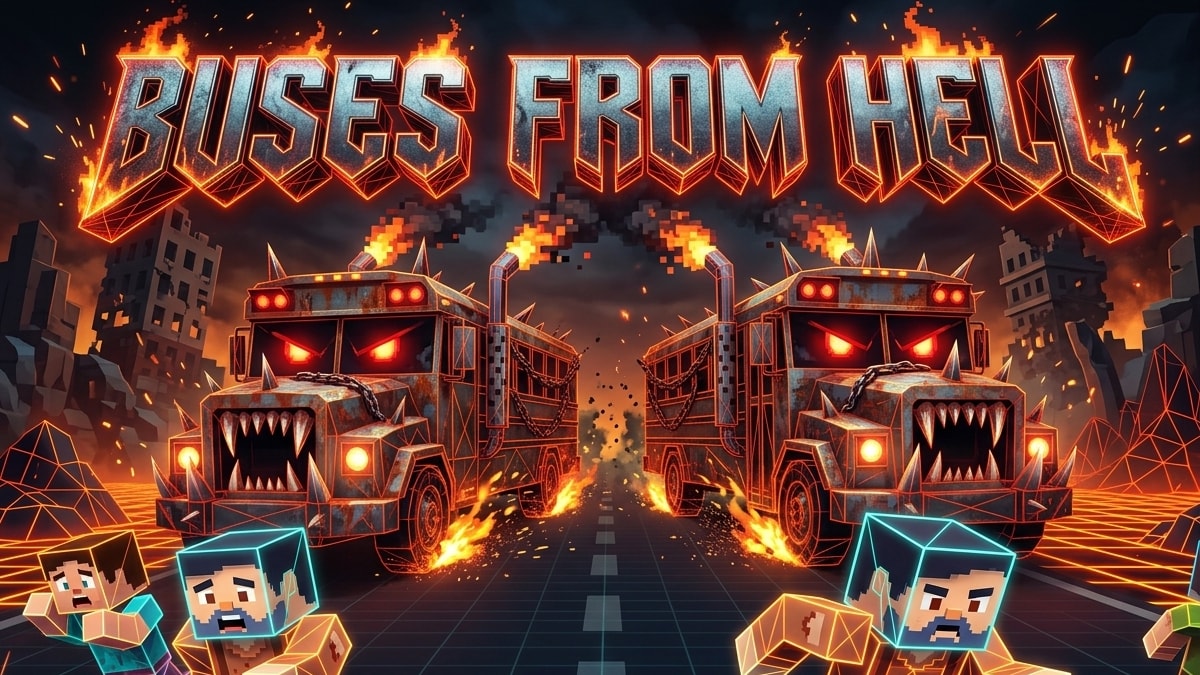
Buses from Hell
A minigame where players must survive being run over by one or more crazy bus drivers!
0 players0 servers
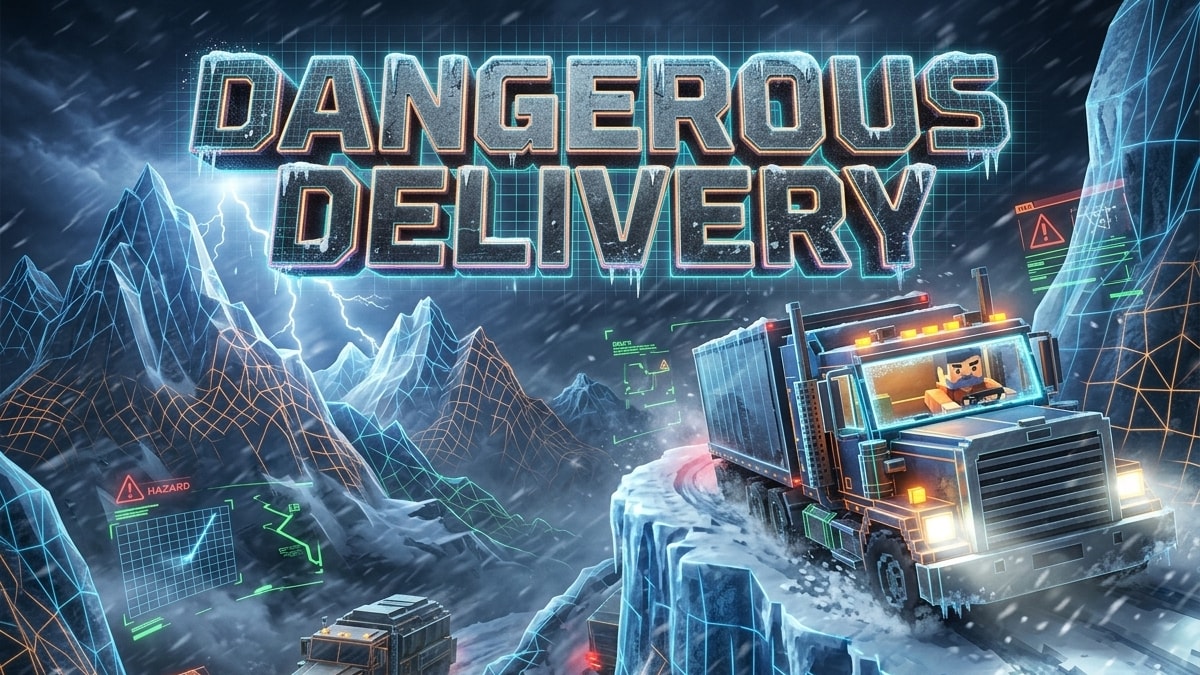
Dangerous Delivery
A minigame where players must complete deliveries in extreme weather and traveling conditions. The more dangerous, the more you are paid!
0 players1 server
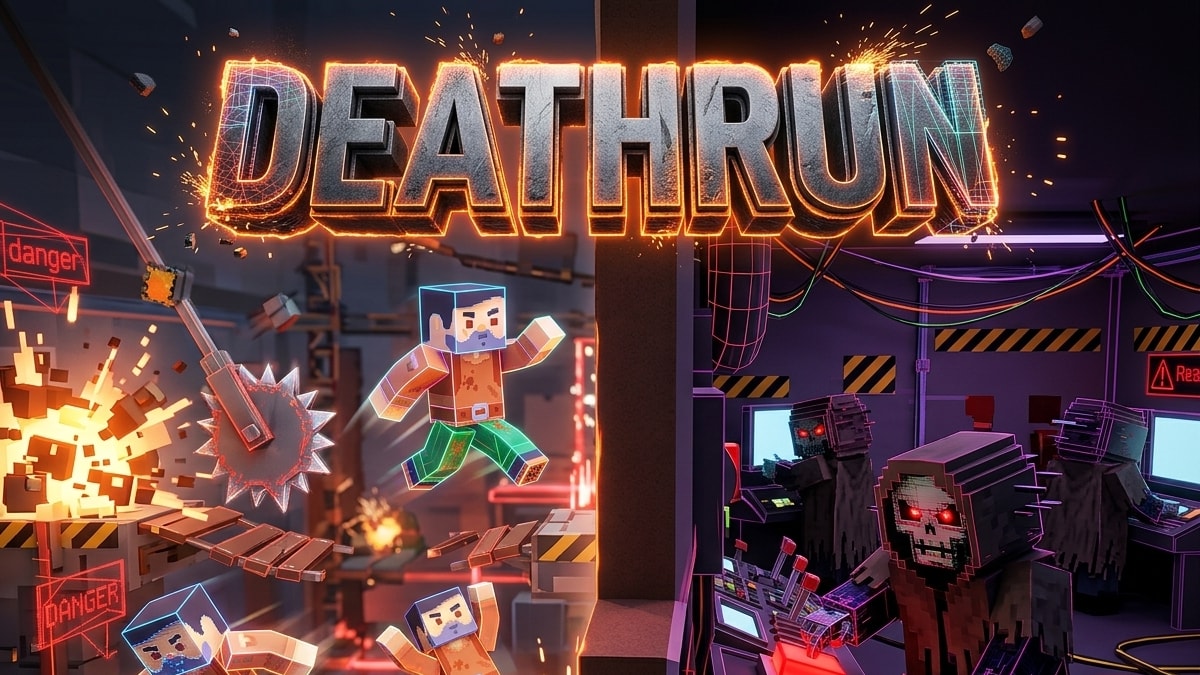
DeathRun
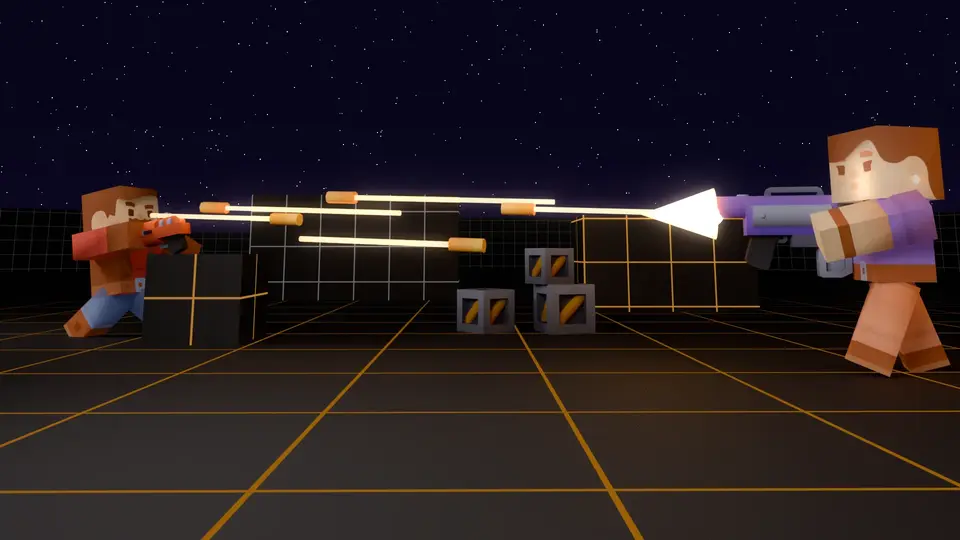
A minigame where survivors must complete courses while reapers try to set traps behind walls where the survivors cannot see them.
0 players0 servers
10 / Developers
For game developers
Push a git tag and your game is built, checked, signed and published. Each game also gets a hub on TMC.
Publish with a git tag
Push a v* tag. The CI workflow builds the game; the platform fetches, scans, signs and publishes it, in about 2 minutes by default. There is no upload step.
An open CDN
Files are stored by content hash, with a signed manifest for each id@version. Versions never change. Ids are <owner>/<repo> and belong to you, not to one operator.
A creator hub on TMC
Tabs for servers, stats, leaderboards, achievements, approvals, avatars, store and settings. Integration credentials are created the first time you open it.
Stats, leaderboards, achievements
List your stats in stats/stat-defs.json and import it with a preview in the hub, or from a deploy script. Achievement points and levels show on the player profile.
11 / Community
Backed by a community
Gamespice is built on The Modding Community (TMC). TMC hosts the games, servers, accounts and members, and gives every game the tools to run a community around it.
Powered by TMC
One account, one profile and one place for your game's community. Everything on Gamespice is backed by TMC.
Discussions
Talk about the game, ask for help and share ideas.
Roadmaps
See what is planned, in progress and shipped.
Feedback
Suggest changes and vote on what matters.
Bug trackers
Report problems and follow them to a fix.
Events
Schedule matches, tournaments and community nights.
News and changelogs
Announcements and release notes for every version.
12 / Start
Where to start
Pick one.
Questions and answers
Is Gamespice free?
Playing, browsing games and finding servers is free. Games and server owners can also sell items in their store, bought through the website.
Do I need to install anything?
Not for games with browser play: they run in the page. Other games link to their download on TMC.
What is the difference between solo play and quick play?
Solo play starts the game on its own in your browser. Quick play starts the browser build and drops you into a match on a live server.
Where do the games and servers come from?
From The Modding Community (TMC), which hosts the games, their servers, mods and maps. Gamespice shows them live.
How do I get my game or server listed?
Gamespice only shows the games built on our platform. List a server for one of them on TMC and it appears here by itself; other games stay on TMC.
Do I need an account?
No. An account on TMC is only needed to publish games, mods or servers.